Work, then rest.
When a work session ends, your screen fades out with one quiet line from Tomi. Click or press Esc to get back in. Quick timers never blur your screen, and you can turn the break screen off in Settings.
 Tomi
Click Tomi's smile to start a Pomodoro or a timer. Drag from it for a quick one.
Download for Mac
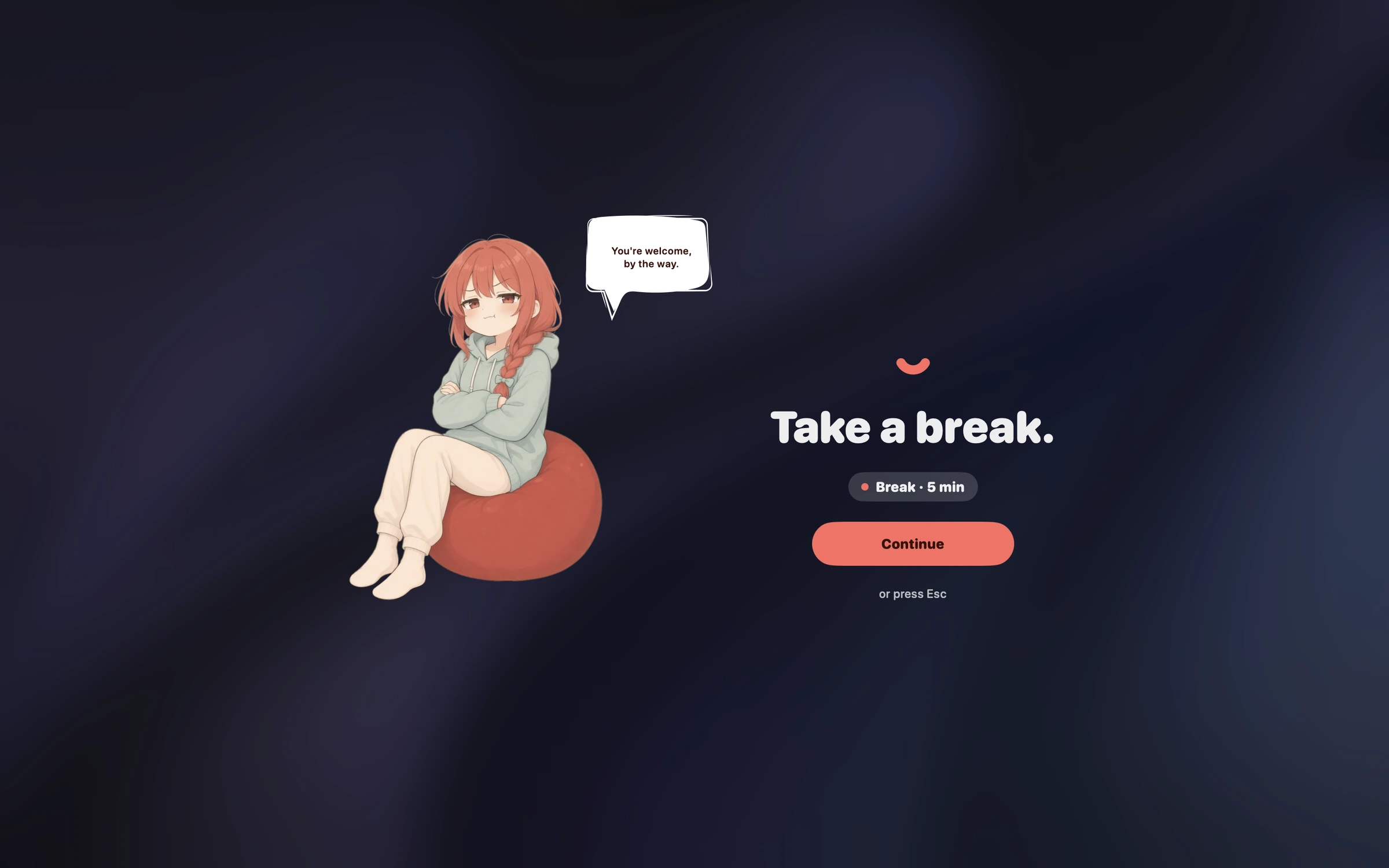
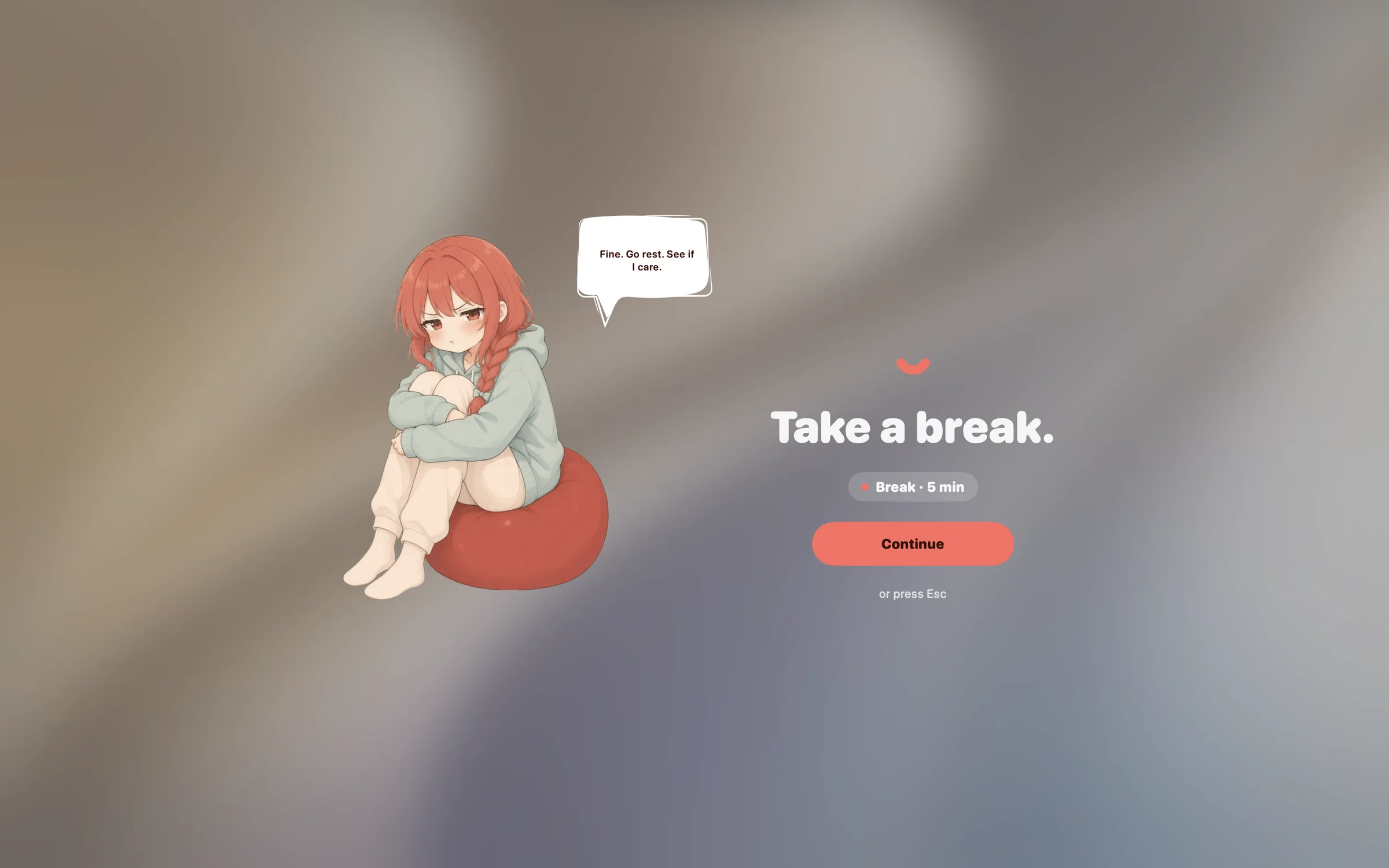
When a work session ends, your screen fades out with one quiet line from Tomi. Click or press Esc to get back in. Quick timers never blur your screen, and you can turn the break screen off in Settings.


Just say what you need. Type "Cook pasta for 20 minutes, then call my mom in 45 minutes", or press ⌃⌥V and speak it. Press Return and the timers start. Turn on Autostart and spoken timers start on their own.
Sentences need Apple Intelligence; without it, type a time like 25m.
Pull down from the smile. The longer you pull, the longer the timer. Let go, name it if you like, and press Start.
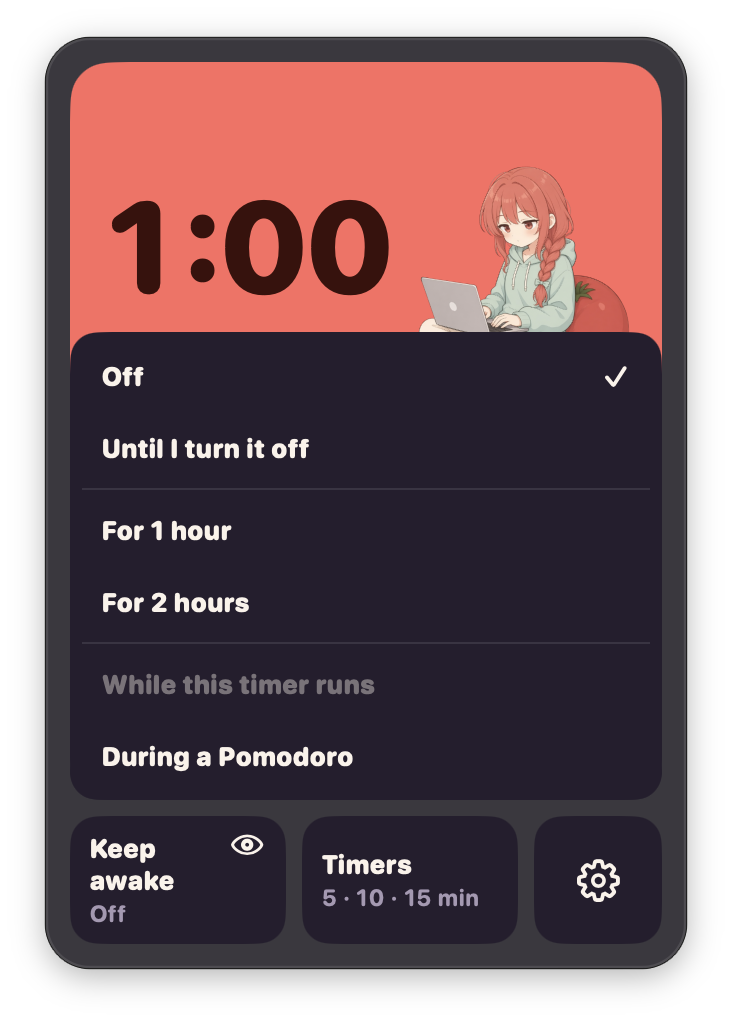
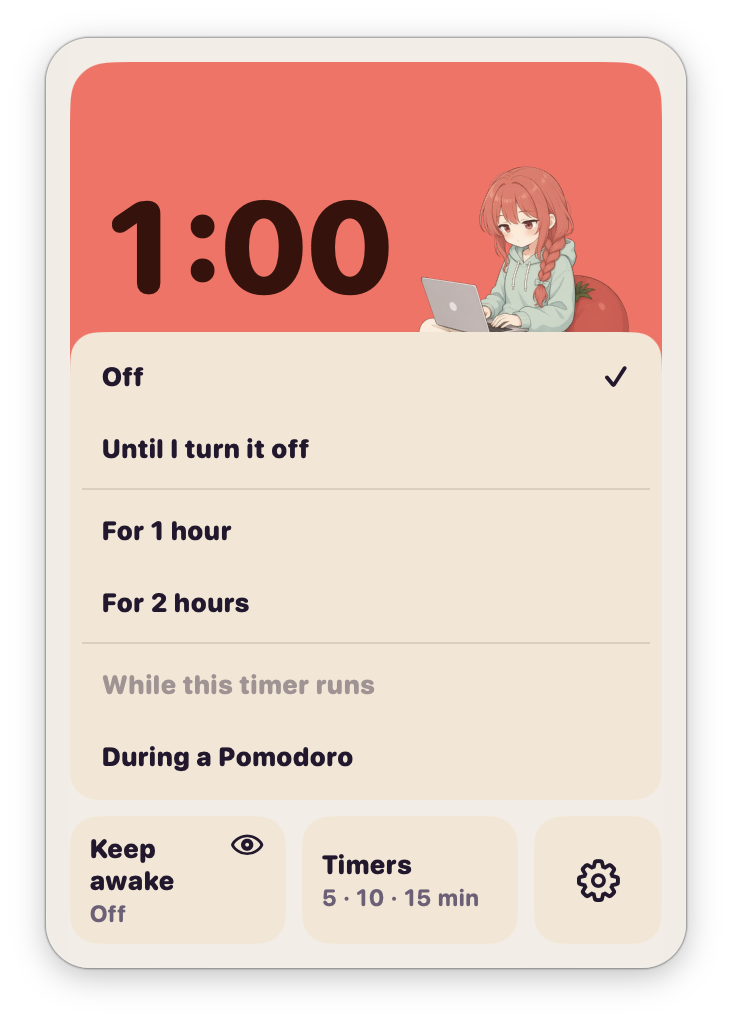
Until you turn it off, for two lengths you set in Settings (1 and 2 hours to start), or only during a Pomodoro.
Also works with the Shortcuts app and Focus.